Streamline Municipal Approvals with Better Construction Plan Printing
Discover how effective construction plan printing can streamline municipal approvals and enhance project workflows for AEC professionals.

Municipal permit reviews can take time, and poorly printed construction drawings can make the process even longer. Incorrect sheet sizes, unclear annotations, inconsistent scales, and missing details can make plans harder to review, leading to correction requests and avoidable delays.
Proper construction plan printing helps prevent these issues before submission. When architectural drawings are clear, correctly formatted, and prepared according to local requirements, reviewers can assess the information more easily, helping keep the approval process moving.
Understanding Municipal Printing and Plan Submission Requirements
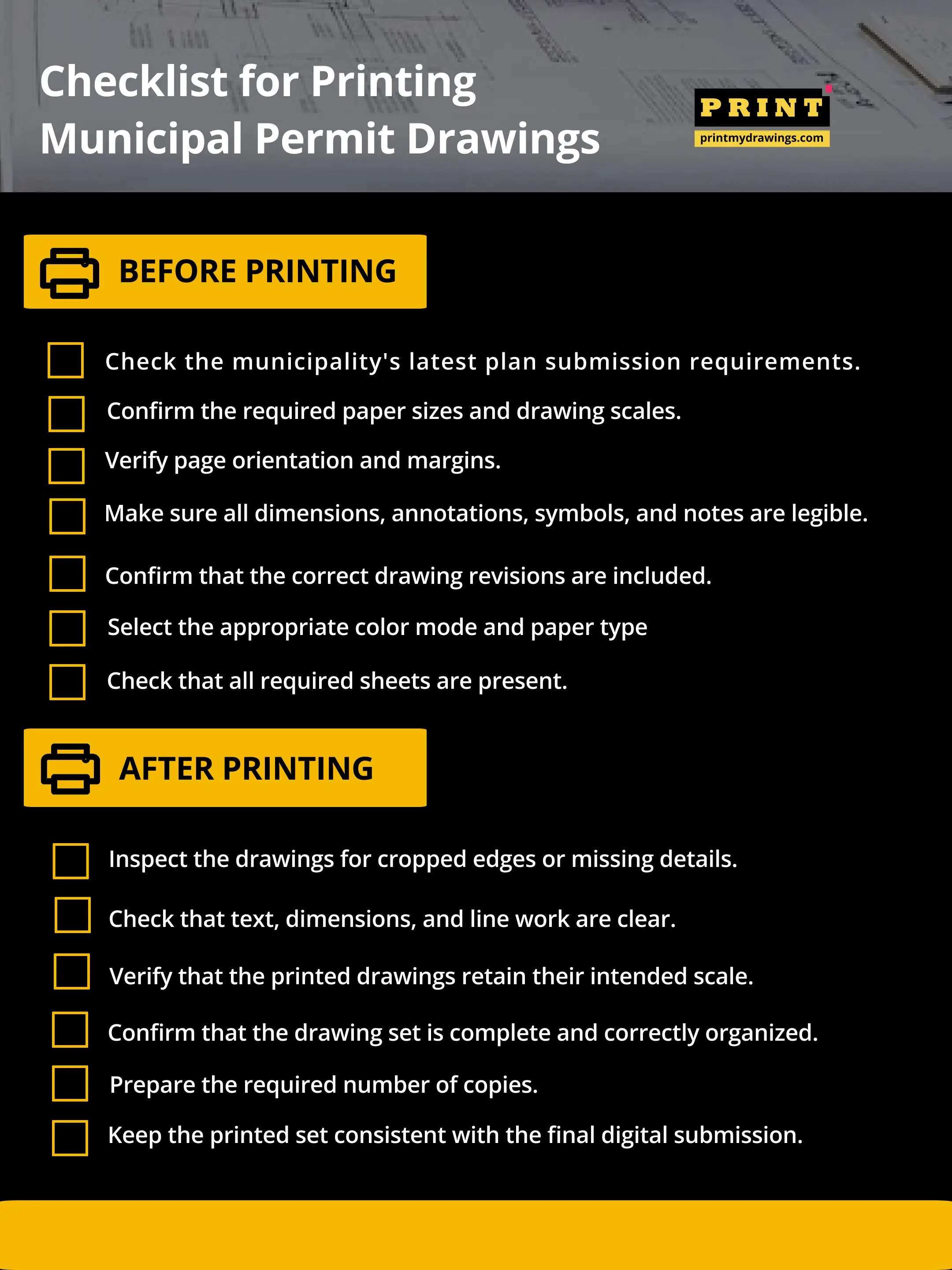
Before printing construction drawings for municipal review, find out what the local building department expects. Different municipalities may have different submission rules, and requirements can also vary depending on the project type.
A drawing set prepared for one jurisdiction may not meet the submission requirements of another. Checking these details early can save you from having to reprint an entire set.
Here are some common requirements to look out for:
Paper and sheet sizes: Municipalities may specify acceptable drawing sizes, such as 18" × 24", 24" × 36", or 30" × 42". Check the required format before placing a print order.
Drawing scales: Architectural drawings, elevations, and sections may require specific scales. Confirm that your drawings retain their intended scale when printed.
Page orientation: Check whether drawings should be submitted in landscape or portrait orientation. The layout should also leave enough room for title blocks and other required information.
Margins and title blocks: Keep project details, drawing numbers, revision dates, and other important information within the printable area.
Color requirements: Some submissions may accept black-and-white drawings, while others may require color to distinguish specific details or systems.
Number of copies: Find out whether the department requires printed sets, digital files, or both.
One useful tip is to check the municipality's official building department website before sending your drawings to print. This gives you a chance to confirm the latest requirements rather than relying on an old submission checklist.
When you're ready to print, use a service that lets you select the correct paper size, color mode, and quantity for your drawing set. PrintMyDrawings makes it easier to configure these specifications and order construction plan prints online.
How Proper Construction Plan Printing Speeds Up Municipal Reviews
Clear, well-formatted drawings make it easier for reviewers to find and understand the information they need. While proper printing cannot guarantee faster approval, it can reduce some of the avoidable issues that slow down the review process.
Here's how it helps:
Improves drawing legibility: High-quality construction plan printing keeps dimensions, annotations, symbols, and technical notes easy to read. Reviewers can examine important details without struggling to interpret faded or blurry information.
Preserves drawing scales: Printing at the correct size helps maintain the intended scale of architectural plans, elevations, and sections. This is important when reviewers need to examine measurements and spatial relationships.
Makes drawing sets easier to organize: Consistent sheet sizes and layouts help reviewers move between different parts of a project without confusion.
Keeps important details visible: Proper page setup prevents title blocks, dimensions, and drawing information from being cropped during printing.
Supports better document coordination: Clearly labeled sheets with accurate drawing numbers and revision dates make it easier to identify the correct information.
Think about a reviewer examining a set of structural drawings. If the dimensions are difficult to read or some details are cut off, they may need to request a clearer copy before continuing. A properly printed set helps prevent this type of interruption.
For architects, engineers, and contractors managing multiple submissions, getting the printing right from the start can save time and reduce unnecessary back-and-forth. Professional blueprint printing also helps maintain consistent quality across large drawing sets.
Print with Confidence
Get your construction plans ready for municipal review. Upload your drawings and order accurate, professional prints with PrintMyDrawings.
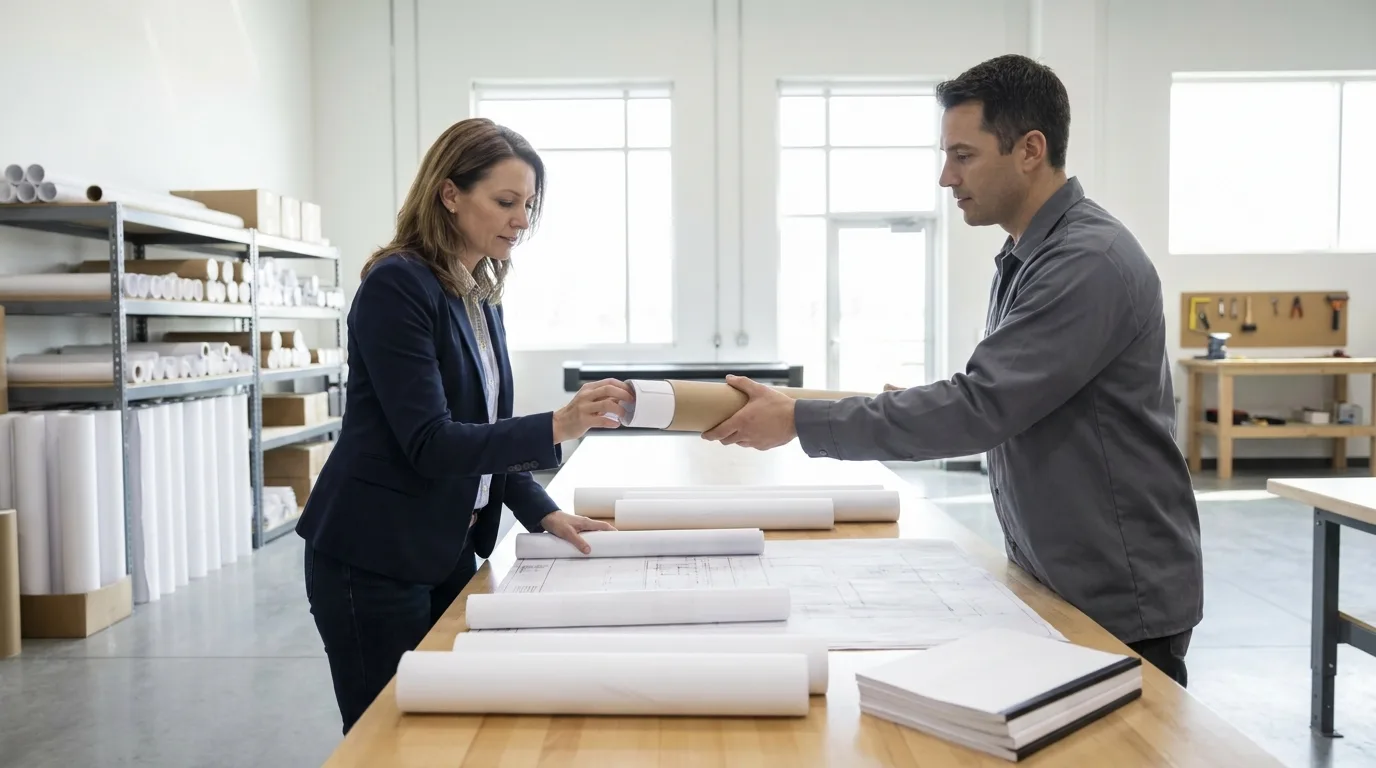
Common Municipal Printing Mistakes to Avoid Before Submission
Even when your drawings are complete, printing mistakes can affect the quality of the final submission. Some problems happen during file preparation, while others occur when selecting print settings or handling the finished copies.
Here are some common mistakes to watch out for:
Selecting the wrong paper size: A drawing designed for 24" × 36" paper may lose important details if printed on a smaller sheet. Always match your print settings to the original drawing dimensions and submission requirements.
Using the wrong scaling option: Settings such as "Fit to Page" can resize a drawing and affect its intended scale. Use the correct print settings and check the output before submitting.
Ignoring line weights: Very thin lines may appear faint, while overly thick lines can make drawings look cluttered. Review line weights to make sure different elements remain easy to distinguish.
Submitting low-resolution prints: Blurry text and pixelated graphics can make technical details difficult to inspect. Use print-ready files with sufficient resolution.
Overlooking missing information: A missing title block, drawing number, revision date, or annotation can create confusion during the review.
Printing outdated revisions: Construction drawings often go through several updates. Printing an older version by mistake can result in conflicting information across the submission.
Failing to inspect the final prints: Sending files directly to print without checking the output can allow simple formatting errors to go unnoticed.
A good practice is to review your digital files before uploading them and inspect the finished prints before sending them out. If you're ordering online, check the selected print specifications against your drawing requirements before checkout.
Get Your Construction Plans Printed Right with PrintMyDrawings
Preparing construction drawings for municipal review takes careful attention to detail. From selecting the correct paper size to checking drawing scales and print quality, every part of the process matters.
PrintMyDrawings makes professional construction plan printing easier. Upload your drawings, select your preferred print specifications, get an instant quote, and place your order online. With local print fulfillment, you can also arrange pickup or delivery based on available options.
Don't Let Poor Print Quality Slow Down Your Next Submission.
Related Articles
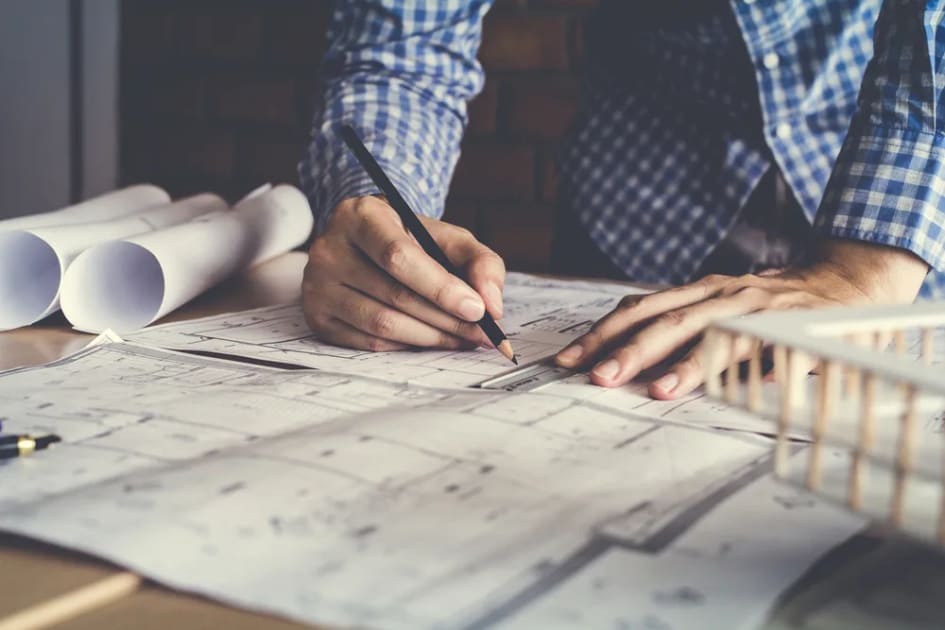
10 Important Questions to Ask Before Creating Construction Drawings
Construction drawings need a great level of precision. Here are 10 key questions that can improve your construction plan printing.
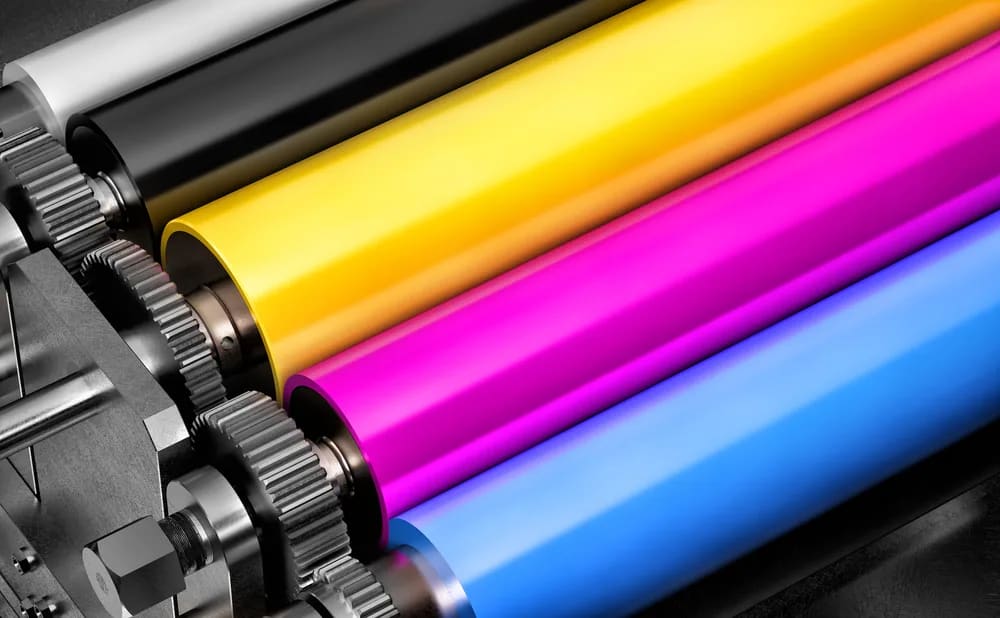
How to print construction drawings in color
If you want to print construction drawings in color, keep reading to see tips for the best quality. Color printing construction drawings can help preserve consistency in the output of your work.

5 Benefits Of Outsourcing Construction Plan Printing Services
Construction plan printing is still a vital aspect of your building project, even if many professionals may not prioritize it- which should not be the case. For one, builders and construction workers need printed plans and quickly

Frequently Asked Questions
Looking for Blueprint Printing? PrintMyDrawings is an online print shop for online construction plan printing with fast pickup and delivery options. Read on to discover more.