Blueprint Printing: How to Preflight PDFs for Large-Format Printing
Learn how to preflight PDFs for large-format printing to ensure accurate construction documents. Tips for fixing scale issues and common export traps.
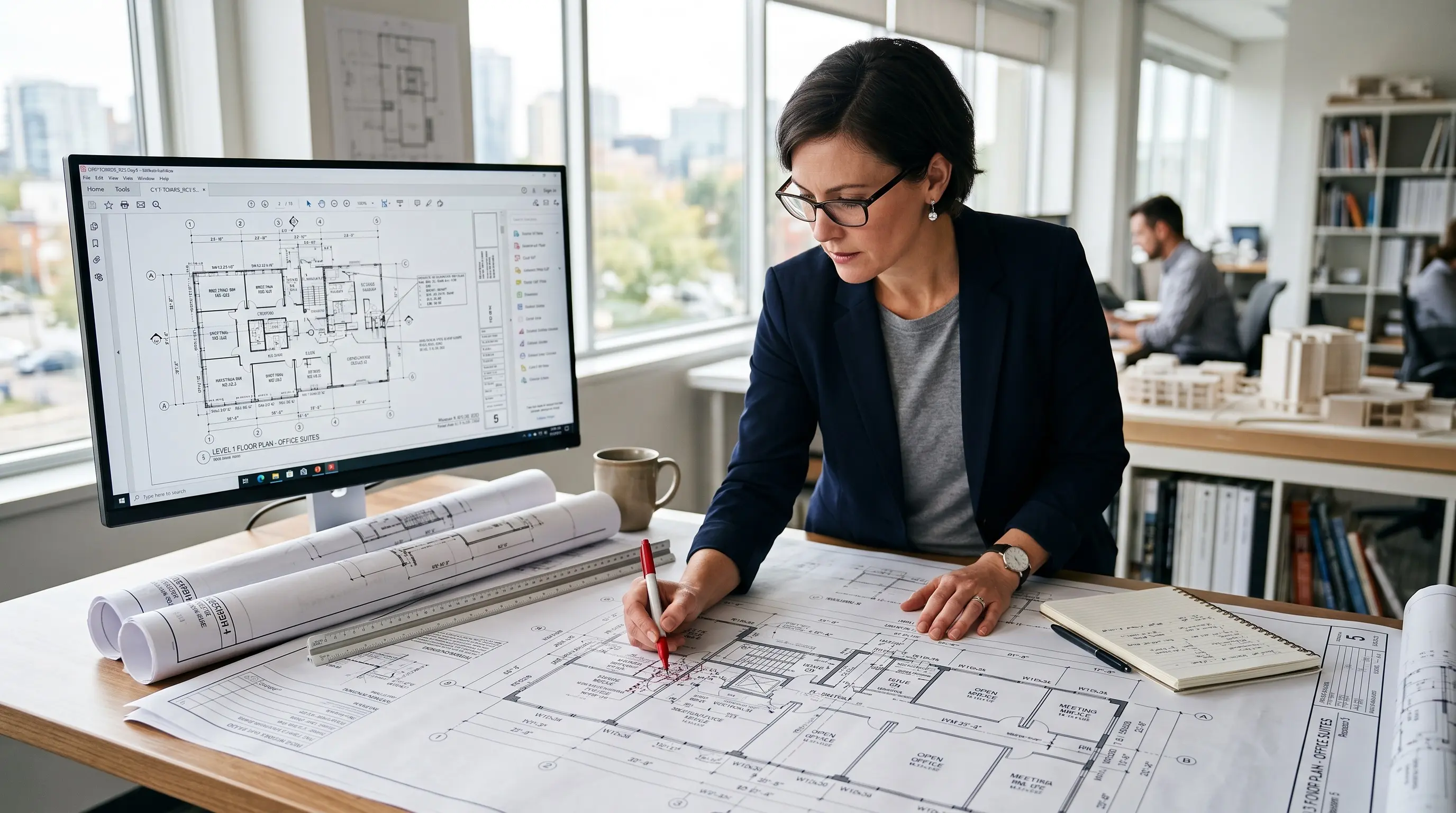
For professionals in architecture and construction, ensuring that your large-format printing is accurate and effective is crucial. Preflighting your PDFs before printing can save time, reduce errors, and enhance the quality of your construction documents. Understanding this process is essential for anyone managing CAD workflows and project drawings.
What is Preflighting?
Preflighting is the process of checking a PDF file for potential issues before it is sent to print. The goal is to catch problems with elements such as fonts, images, colors, page size, and other document settings before they affect the printed result.
For AEC professionals, preflighting is an important quality control step because even a small file error can affect how a drawing is read or used. A PDF may look correct on screen but produce unexpected results when printed at a large size. Checking the file before printing helps reduce avoidable reprints and ensures that your construction drawings and engineering drawings are prepared for their intended output.
What to Look Out for When Preflighting Construction Drawings
Preflighting can help catch several issues that may affect how a PDF looks and performs when printed. For construction drawings, engineering drawings, and other technical documents, some checks deserve closer attention because they can affect accuracy, readability, and the final print quality.
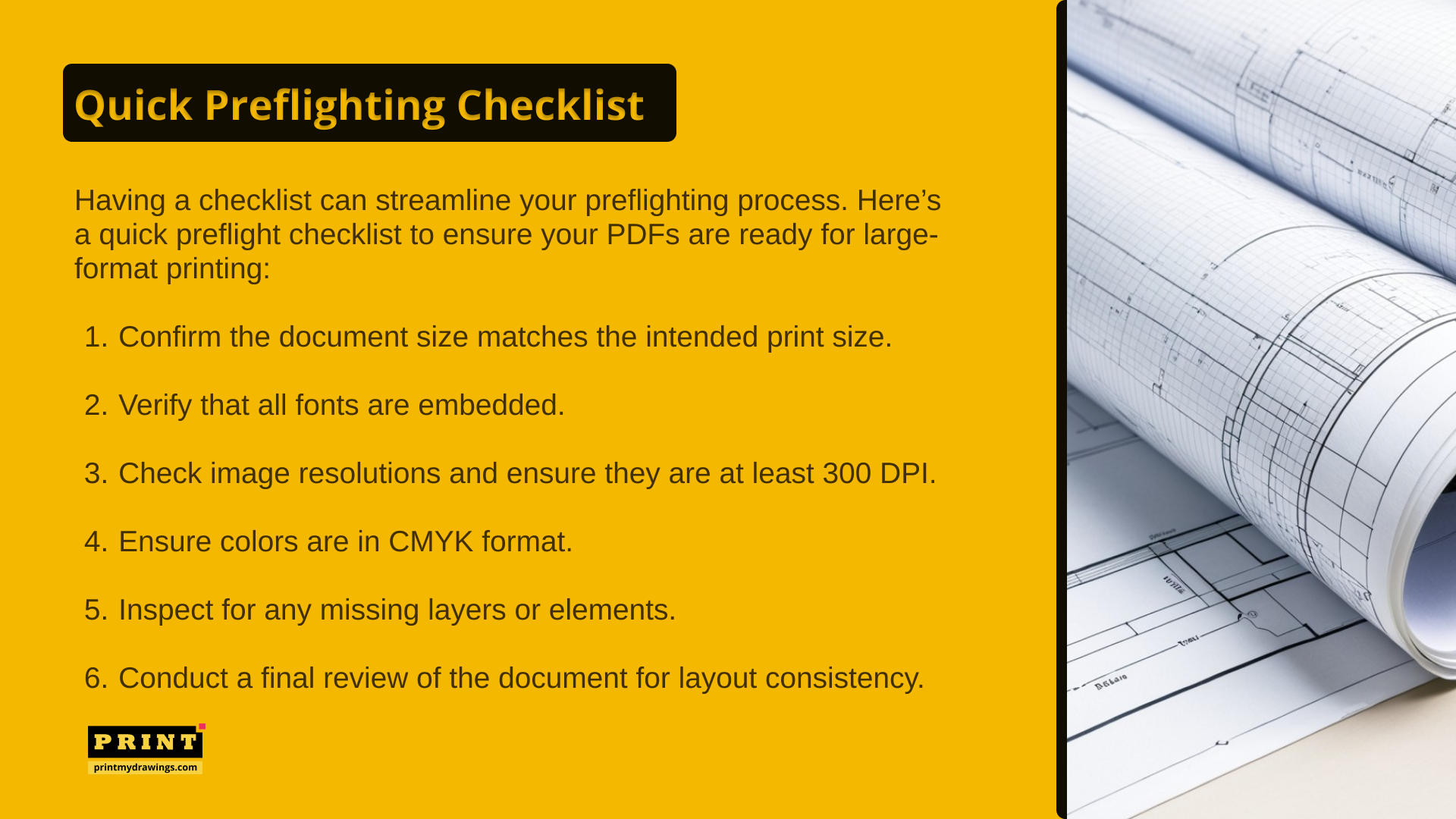
1. Scale and Page Size
Check that the PDF page size and drawing scale match the intended print specifications. If a file is exported with the wrong page size or scaling settings, the printed drawing may not match the original design.
Check the original CAD settings: Make sure the drawing scale and page setup match the intended print size.
Review the PDF export settings: Check the page size and scaling options used when exporting the drawing. Avoid settings such as "Fit to Page" when maintaining the original scale is important.
Use a scale bar: A scale bar provides a quick way to verify that the printed drawing matches the intended scale.
Check the final PDF dimensions: Confirm that the PDF page size matches the required sheet size for the project.
2. Fonts and Text
Check that fonts are embedded, and that text, labels, dimensions, and annotations appear correctly in the PDF. Missing or substituted fonts can change the appearance and spacing of important information.
3. Images and Resolution
Review any photographs, renderings, maps, or other raster images included in the document. Low-resolution images may appear pixelated when printed at a large size, which can affect the quality of your architectural plans and presentation materials.
4. Colors and Lineweights
Check that colors and lineweights are appropriate for the intended printing process. For technical drawings, lineweight is especially important because very thin lines may become difficult to see when printed. For color documents, the appropriate color settings may depend on the printer and the type of output being produced.
5. Layers and Missing Elements
Inspect the PDF for missing layers, linework, dimensions, annotations, or other drawing elements. A PDF can look correct at first glance while still missing information that was present in the original CAD file.
6. Cropping and Layout
Check the edges of the document for cropped text, title blocks, dimensions, or other important details. Also review the overall layout to confirm that the drawing content sits correctly within the page boundaries.
Why Preflighting is Important
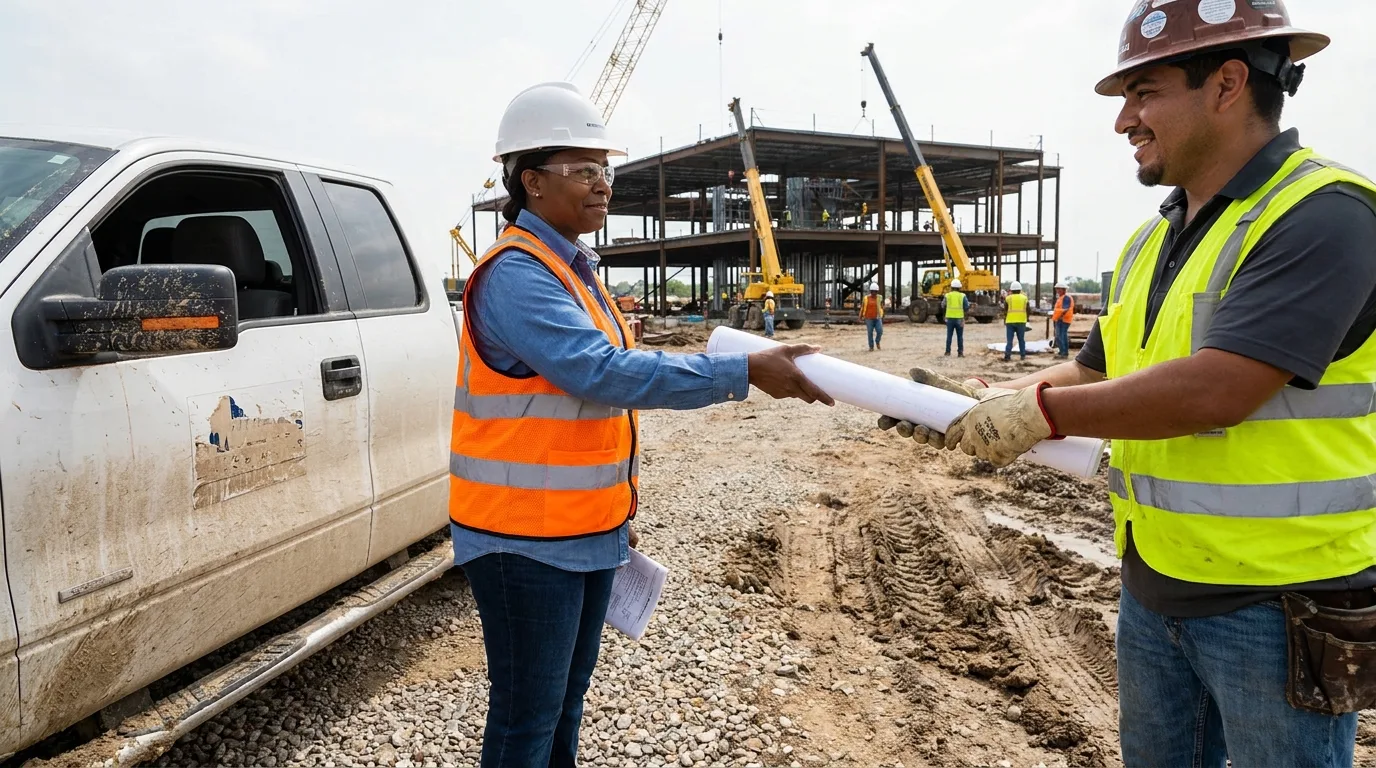
Accurate documentation is a key part of a successful construction project. Drawings need to communicate information clearly across architects, engineers, contractors, project managers, and other people involved in the work. Well-prepared construction documents provide a reliable reference for coordination, review, and work on site.
Preflighting supports this process by giving teams a final opportunity to check that the document they are sending to print is the correct version and matches the project's requirements. This becomes even more useful on projects with frequent revisions, where a consistent review process can help prevent an outdated or incorrectly prepared file from being printed.
Professional Printing for AEC Teams
Printmydrawings.com supports architects, engineers, contractors, and other AEC professionals with dependable blueprint and wide-format printing services designed around real project workflows.
Practical Ways to Improve Your Preflighting Process
For professionals looking to improve their preflighting process, a few practical steps can make the workflow more consistent:
Utilize preflight software: Tools like Adobe Acrobat offer preflight checks that can automate some aspects of the process.
Develop standard operating procedures: Create guidelines for your team to follow during the PDF export and preflighting stages.
Regular training: Keep your team updated on best practices for PDF handling and printing.
Collaborate with your print partner: Share your preflighting checklist with your printing service to ensure alignment on expectations.
In conclusion, understanding and implementing effective preflighting processes is crucial for ensuring that your large-format printing meets the highest standards. Preflighting is a simple step that can prevent avoidable problems before a drawing reaches the printer. A consistent check of scale, page size, fonts, images, lineweights, and other document elements can help AEC teams send cleaner, more reliable files to print.
PrintMyDrawings supports AEC professionals with dependable blueprint and wide-format printing services designed for real-world workflows.
Related Articles

Blueprint Printing: 7 Important Things to Check Before Sending Drawings to Site
Learn seven checks to make before sending construction drawings to site, from missing dimensions and outdated revisions to blueprint printing/scale accuracy.

Staples vs. FedEx For Professional Blueprint Printing
Need to print blueprints and construction drawings? Explore key differences in blueprint printing services between Staples, FedEx, and specialized providers..

How to Print Construction Blueprints Online
Learn how to print construction blueprints online efficiently. Discover the benefits and best practices for accurate blueprint printing.
How to Choose the Right Blueprint Printing Service for Contractors
Discover top blueprint printing services for contractors to ensure accurate construction plans and efficient workflows.